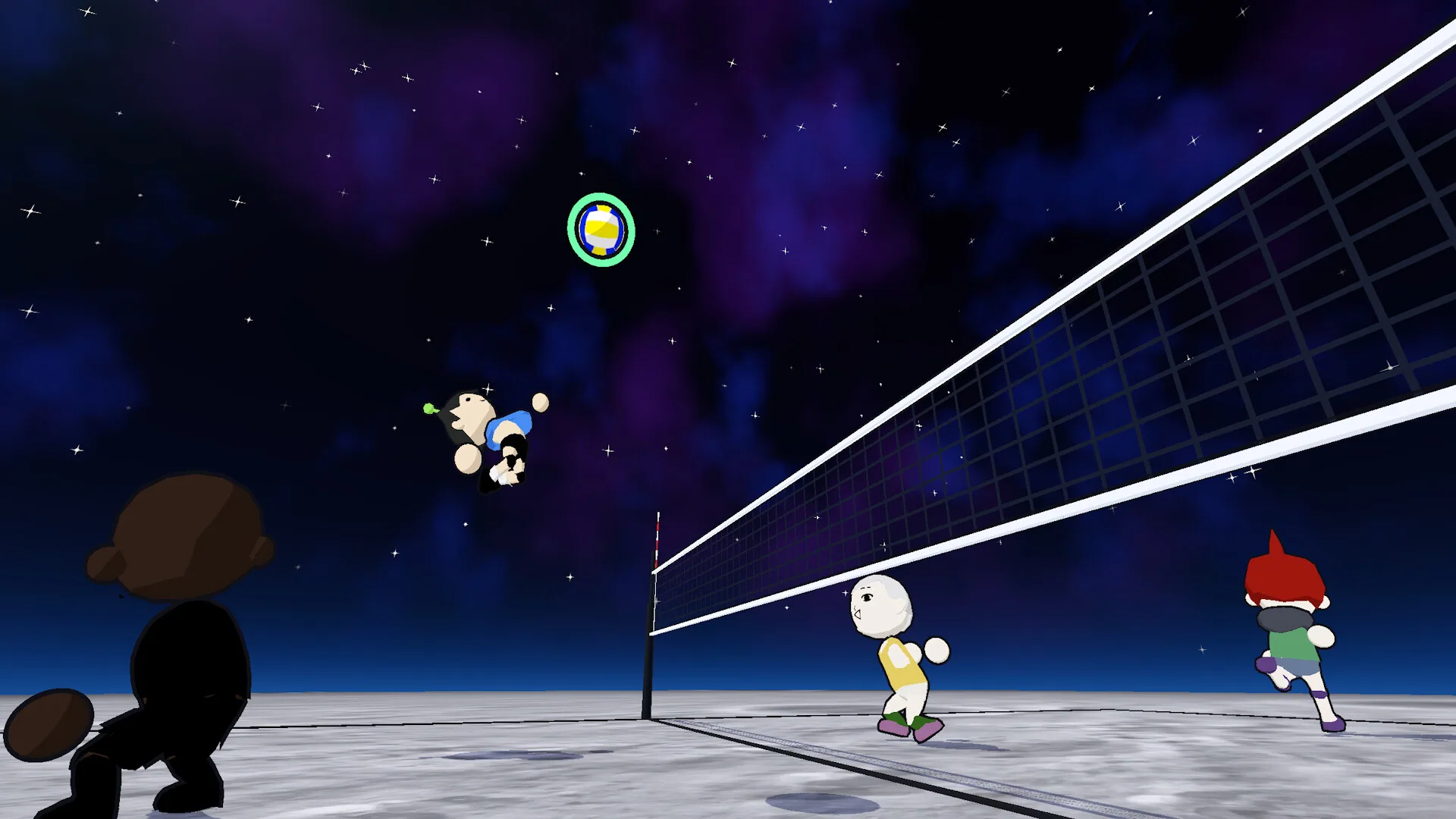
just volleyball

just volleyball how to play

A first rally in just volleyball is aimed with the cursor. You move yourself. Receive, set, spike and jump serve share that aim, and you rebind them from the profile tab.

CursorAim
ManualMovement
Profile tabKey binds
YouTubeMechanics clip
  1. Aim with cursor
  2. Move manually
  3. Rebind in profile settings
  1. 1

    Point the cursor where the touch should go. Every touch in a rally follows that point, from the receive through the attack.

  2. 2

    You do not auto-walk to the ball. Place yourself on the court, then aim the touch.

  3. 3

    A receive is the first touch on a serve. Aim that touch with the cursor, the same way you aim a set.

  4. 4

    A set places the ball for an attack. Use the same cursor aim. There is no separate set button.

  5. 5

    A spike is the attack touch. It uses the same cursor aim, with no spike button of its own.

  6. 6

    A jump serve starts in the air. There is no jump-serve key to press, and no float serve to select.

Official mechanics videoBlock and dive at the net
Advertisement

What a controller session showed

An October 2026 demo session on a controller moved with the left stick and aimed the touch with the right stick. That session also used jump, bump, dive, spike, block and serve. A keyboard chart is not part of the controls you get with the game, so open the profile tab when a default fights you.

temkosoft's quick advanced mechanics video, KxO3bCoWDXg, shows the touch itself. Watch it before you chase a float serve. A float serve is not a mechanic you can select.


After the first touch

Pick a team size on the formats page before you queue. Practice offline against bots, or play online once the contacts feel deliberate. The demo is free and dated October 19, 2026, while the full game is still coming soon on November 4.


Court facts around the first touch

Where a gamepad session put the sticks

On a gamepad, walk with the left stick and aim the touch with the right stick. An October 2026 demo session did exactly that, and the same session opened hair, face, voice and jersey number in the avatar creator. Until you rebind them, receive, set, spike and jump serve stay cursor touches. Those binds, plus screen shake, are under the top profile tab for the profile you have open.

Practice size before you queue

Start against offline bots if you want the court without a lobby. Sides run from one player to six, and the free demo dated October 19, 2026 carries each of those sizes. Demo hardware is Windows 10 64-bit, a 4-core i5-4590 or Ryzen 3 1200, 8 GB of RAM, a dedicated Vulkan or DirectX 12 GPU with 2 GB of VRAM, and 350 MB of disk. The full release still asks for less disk, 250 MB, and 4 GB of RAM. A processor and a graphics card for that release have not been named yet.

What changes once the full game is installed

App 5037200 is Windows only and coming soon on November 4, 2026. Replay mode is there for highlights. Shared or split screen and Remote Play Together both work on that release. Jersey number 0 and shuffle teams arrived in v0.76. v0.77 returned school gym to the map pool and kept private lobby codes on the host. The raw three-match clip is titled just volleyball | 3 Full Matches (Raw Gameplay), which is the long look if the mechanics video is too short. Write temkosoft at temkosoft@gmail.com, or join the public Discord at discord.gg/kKT98kf2wV. Those are the two public contacts. You get the game on Steam; temkosoft does not run a separate site.

Sources